

Hey there! If you're here, chances are you're facing an issue where your smart doorbell device isn't detecting the battery. As a Smart Doorbell Battery supplier, I've seen this problem quite a bit, and I'm here to walk you through some steps to fix it.
1. Check the Battery Installation
First things first, make sure the battery is installed correctly. Sounds simple, right? But you'd be surprised how often this is the root cause. Take out the battery and double - check the orientation. There are usually markings on the battery compartment indicating the positive and negative terminals. Align the battery accordingly and gently push it in until it clicks into place.
If you've just received a new battery from us, ensure that any protective tabs or covers have been removed. Sometimes, these are left on during shipping to prevent accidental discharge, and they can interfere with the connection.
2. Clean the Battery Contacts
Over time, dust, dirt, and oxidation can build up on the battery contacts both on the battery itself and inside the doorbell. This can disrupt the electrical connection and cause the device not to detect the battery.
Grab a clean, dry cloth or a cotton swab. Gently wipe the contacts on the battery and inside the doorbell compartment. If there's stubborn dirt or oxidation, you can use a small amount of rubbing alcohol on the cotton swab. But be careful not to get any liquid inside the doorbell, as this can cause damage.
3. Check the Battery Health
It's possible that the battery itself is the problem. If the battery is old or has been through a lot of charge - discharge cycles, it may not be functioning properly.
Most smart doorbells have a battery status indicator in their app. Check the app to see if it shows the battery level. If it shows a very low or no charge, the battery might be depleted or damaged.
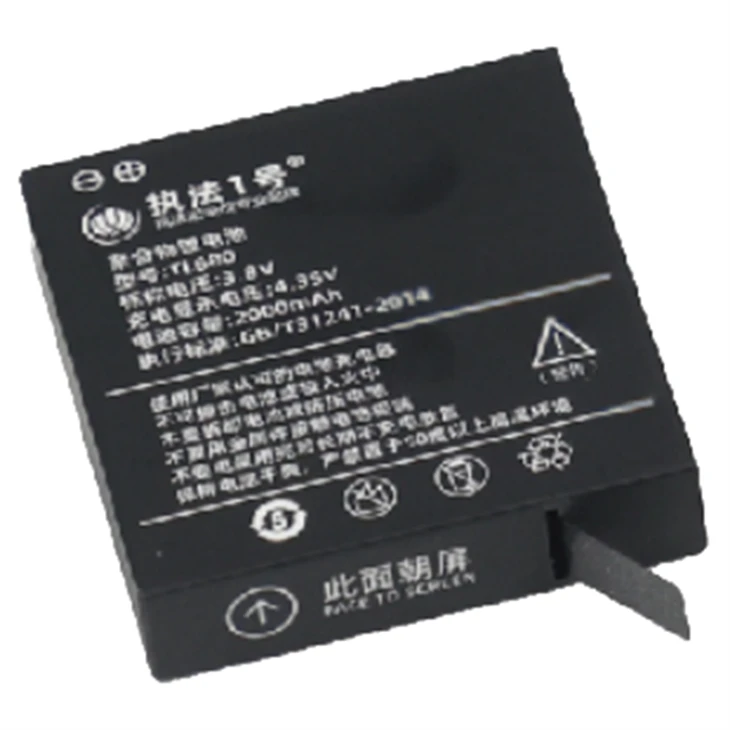
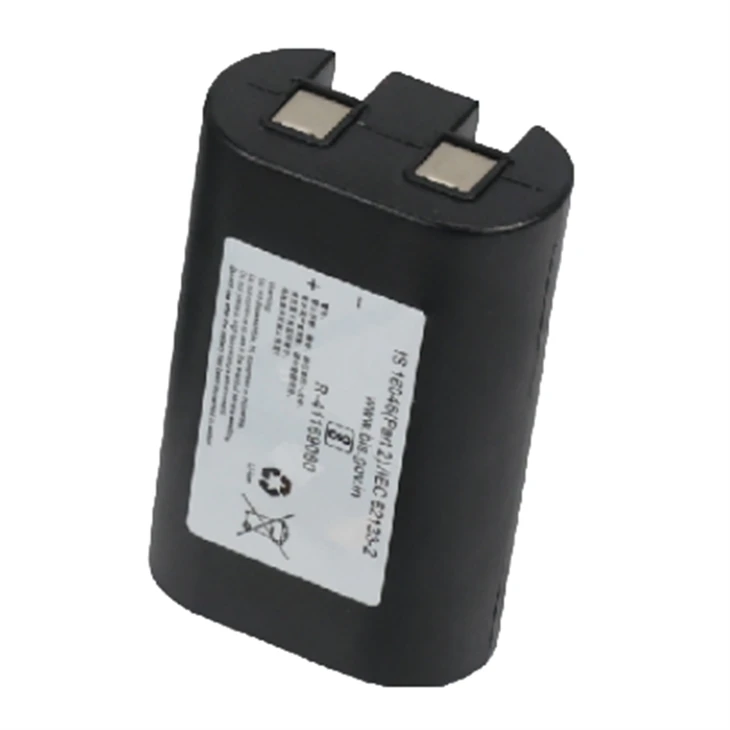
We offer high - quality Smart Doorbell Battery that are designed to last. But like all batteries, they have a limited lifespan. If you suspect your battery is at the end of its life, it might be time to replace it.
4. Update the Doorbell Firmware
Sometimes, a software glitch can cause the device not to detect the battery. Check if there are any firmware updates available for your smart doorbell.
Go to the manufacturer's website or the app associated with your doorbell. Look for the firmware update section and follow the instructions to install the latest version. Firmware updates often include bug fixes and improvements that can resolve issues like battery detection problems.
5. Check the Doorbell Hardware
There could be an issue with the doorbell's hardware itself. Look for any visible signs of damage, such as cracks, water damage, or loose connections.
If you notice any damage, contact the doorbell manufacturer's customer support. They can provide guidance on whether the device can be repaired or if it needs to be replaced.
6. Try a Different Power Source (if applicable)
Some smart doorbells can be powered by either a battery or a wired power source. If you have the option, try connecting the doorbell to a wired power source to see if it works.
If the doorbell functions properly when connected to a wired power source, the problem is likely with the battery or its connection. If it still doesn't work, the issue may be with the doorbell's internal power system.
Other Related Battery Products
We don't just supply smart doorbell batteries. We also offer a range of other consumer batteries, such as Hair Straightener Battery, Massager Battery, GPS Navigator Battery, and Floor Cleaner Battery. These batteries are designed to meet the specific power requirements of their respective devices.
Contact Us for Procurement
If you're having persistent problems with your smart doorbell battery or if you're interested in purchasing our high - quality batteries, we're here to help. Whether you're a retailer looking to stock up on our products or an individual in need of a replacement battery, we can provide you with the best solutions.
Just reach out to us, and we'll be happy to discuss your requirements and offer the right battery for your needs.
References
- Manufacturer's user manual for smart doorbells
- General knowledge on battery maintenance and troubleshooting