

How to Charge the Handheld Scanner Battery Correctly
As a supplier of Handheld Scanner Battery, I've witnessed firsthand the importance of proper battery charging. In this blog, I'll share some essential tips on how to charge your handheld scanner battery correctly, ensuring its longevity and optimal performance.
Understanding Your Handheld Scanner Battery
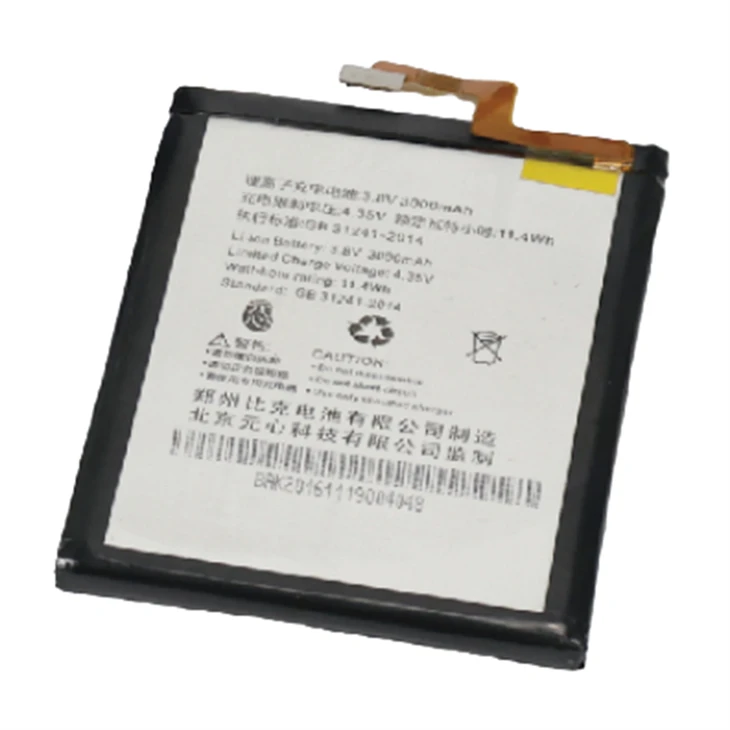
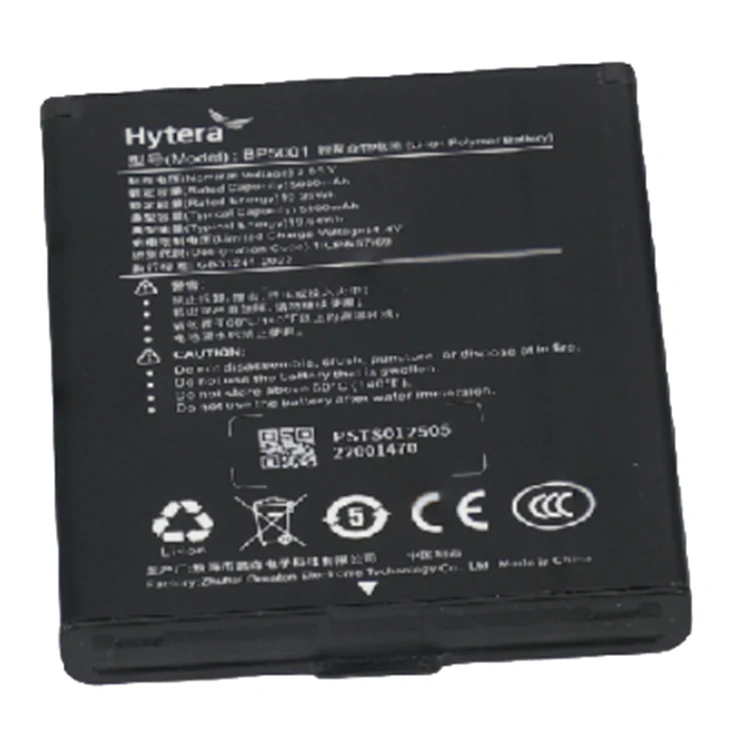
Before delving into the charging process, it's crucial to understand the type of battery your handheld scanner uses. Most modern handheld scanners are powered by lithium-ion batteries, known for their high energy density, long lifespan, and low self-discharge rate. However, different models may have varying battery capacities and charging requirements. Therefore, it's always a good idea to refer to the user manual provided by the scanner manufacturer for specific information.
Preparing for Charging
- Check the Battery Condition: Before charging, inspect the battery for any signs of damage, such as cracks, leaks, or swelling. If you notice any issues, do not attempt to charge the battery and contact the manufacturer or a professional for assistance.
- Clean the Battery Contacts: Over time, dirt and debris can accumulate on the battery contacts, preventing proper charging. Use a clean, dry cloth to gently wipe the contacts on both the battery and the charger to ensure a good connection.
- Choose the Right Charger: Always use the charger that came with your handheld scanner or a compatible charger recommended by the manufacturer. Using an incompatible charger can damage the battery and void the warranty.
Charging the Battery
- Connect the Charger: Plug the charger into a grounded electrical outlet and connect it to the handheld scanner. Make sure the connection is secure to avoid interruptions during the charging process.
- Monitor the Charging Process: Most chargers have an indicator light that shows the charging status. Keep an eye on the light to determine when the battery is fully charged. Avoid overcharging the battery, as this can reduce its lifespan and performance.
- Charge in a Suitable Environment: Charge the battery in a cool, dry place away from direct sunlight and heat sources. High temperatures can accelerate the battery's degradation and increase the risk of overheating.
Best Practices for Battery Charging
- Charge Regularly: Lithium-ion batteries perform best when they are regularly charged. Avoid letting the battery completely discharge before recharging it, as this can cause irreversible damage to the battery cells.
- Avoid Fast Charging: While fast charging may seem convenient, it can generate more heat and put additional stress on the battery. Whenever possible, use the standard charging method to prolong the battery's lifespan.
- Store the Battery Properly: If you need to store the battery for an extended period, make sure it is partially charged (around 50%) and store it in a cool, dry place. Avoid storing the battery in extreme temperatures or in a fully discharged state.
Common Charging Mistakes to Avoid
- Overcharging: Overcharging the battery can cause it to overheat, reduce its capacity, and shorten its lifespan. Always follow the manufacturer's recommendations for charging time and avoid leaving the battery connected to the charger for an extended period.
- Undercharging: Undercharging the battery can also have a negative impact on its performance. Make sure the battery is fully charged before using the handheld scanner to ensure optimal operation.
- Using the Wrong Charger: Using an incompatible charger can damage the battery and pose a safety risk. Always use the charger that came with your handheld scanner or a compatible charger recommended by the manufacturer.
Other Related Batteries
In addition to handheld scanner batteries, we also offer a wide range of other batteries, including High Capacity Laptop Battery, Electric Start Lawn Mower Battery, Lithium Battery for Cell Phone, and Cordless Tool Battery. These batteries are designed to provide reliable power for various devices, ensuring long-lasting performance and convenience.
Conclusion
Properly charging your handheld scanner battery is essential for maintaining its performance and longevity. By following the tips and best practices outlined in this blog, you can ensure that your battery remains in good condition and provides reliable power for your scanner. If you have any questions or need further assistance, please feel free to contact us. We're here to help you make the most of your handheld scanner and its battery.
If you're interested in purchasing high-quality handheld scanner batteries or any of our other battery products, please don't hesitate to reach out to us for more information and to discuss your specific needs. We look forward to working with you and providing you with the best battery solutions for your devices.
References
- Manufacturer's user manuals for handheld scanners.
- Industry research on lithium-ion battery charging and maintenance.